If your commission plan feels like a one-size-fits-all, it’s probably leaving revenue—and motivation—on the table. A tiered commission structure pays progressively better rates as reps hit milestones, creating a visible path to higher earnings and stronger results. This guide shows how to design a fair, data-driven template, model payouts, and automate payouts for accuracy and scale.
December 21, 2025 (2mo ago) — last updated January 15, 2026 (1mo ago)
Tiered Commission Template Guide
Create a tiered commission template that motivates reps: define tiers, set rates, model payouts, and automate tracking to boost sales.
← Back to blog
Your Guide to Building a Tiered Commission Structure Template
Build a tiered commission structure template that drives sales. Learn to define tiers, set motivating rates, and model payouts to boost team performance.
Introduction
If your commission plan feels like a one-size-fits-all, it’s probably leaving revenue—and motivation—on the table. A tiered commission structure pays progressively better rates as reps hit milestones, creating a visible path to higher earnings and stronger results. This guide shows how to design a fair, data-driven template, model payouts, and automate payouts for accuracy and scale.
Why Flat Commissions Are Holding Your Sales Team Back
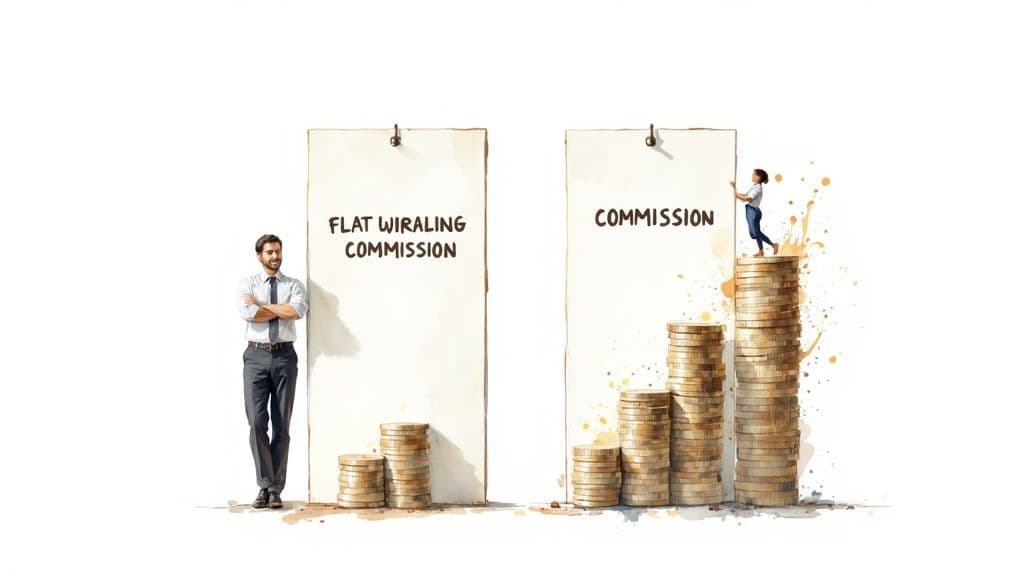
Flat-rate commissions are easy to calculate, but they treat every sale the same—whether it’s the first or the fiftieth of the month. That often caps ambition: high performers don’t get extra marginal reward for going above quota, and middle performers may stop pushing once they reach a comfortable level.
The Motivational Power of Tiers
A tiered plan introduces a ladder of milestones with escalating rewards, which effectively gamifies selling. When reps know a threshold unlocks a higher rate, they focus on reaching the next level instead of just meeting a baseline. A common, effective three-tier example is:
- 3% on sales up to 50% of quota
- 4% on sales between 51–100%
- 5% on all sales over 100%
This transparency rewards incremental performance and keeps motivation high through the quarter. Industry guides provide additional examples and best practices for tiered plans4.
How to Design a Tiered Plan That Actually Works
Designing tiers isn’t about guessing numbers. The best plans start with data and a clear sense of how you want behavior to change.
Ground Your Tiers in Historical Performance
Pull at least 12 months of quota attainment. Look for where most reps land and what top performance looks like. A data-first approach prevents targets that are either demoralizing or too easy.
Defining Tiers and Setting Thresholds
A three-tier system is often the sweet spot: effective, easy to understand, and motivating. A battle-tested setup looks like this:
- Tier 1 (Foundation): 0–80% of quota — rewards pipeline work and closes
- Tier 2 (Target Zone): 81–120% of quota — where you want most reps to land
- Tier 3 (Accelerator): 121%+ of quota — reserved for top performers and accelerators
Making the “next level” visible and within reach taps into a salesperson’s competitive drive.
Calculating Commission Rates That Drive Action
You don’t need massive jumps between tiers. Often, a 1–2 percentage point increase motivates behavior. For example, moving from 5% in Tier 2 to 7% in Tier 3 can deliver a meaningful increase to take-home pay.
Model outcomes using 12–24 months of sales data. A common distribution target is roughly 50% of reps in the middle tier, 30% in the lower, and 20% in the top. Modeling also ensures total commission spend stays within financial guardrails — many B2B SaaS companies target 8–15% of ARR for sales compensation1.
Tiered structures also apply to partner and affiliate programs: create partner tiers based on referral volume or quality to motivate external contributors.
Building Your Template in Excel or Google Sheets
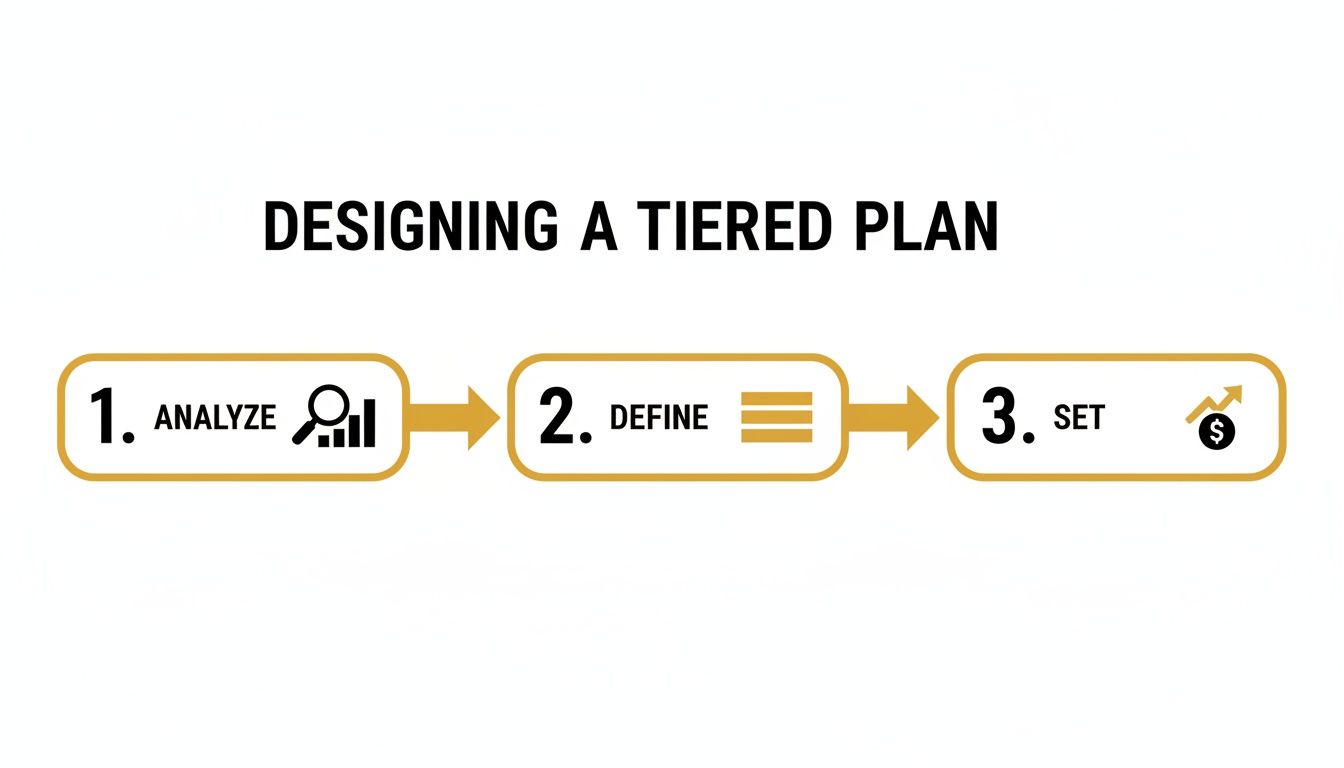
Turning the plan into a working template makes it actionable. Before opening a sheet, map the structure: analyze data, define tiers, then set rates.
Core Components of Your Template
Include these columns:
- Sales Rep Name
- Sales Quota (period target)
- Total Sales Attained
- Quota Attainment % = (Total Sales Attained / Sales Quota)
- Commission Earned (formula-driven)
Keeping a separate “Settings” tab for thresholds and rates makes updates easy.
The Formula That Does the Heavy Lifting
Use a nested IF (or equivalent) to apply the correct rate automatically. Example three-tier payout:
- Tier 1: 0–80% pays 5%
- Tier 2: 81–120% pays 7.5%
- Tier 3: 121%+ pays 10%
If Quota Attainment % is in D2 and Total Sales Attained is in C2, a simple formula is:
=IF(D2>1.2, C2*0.1, IF(D2>0.8, C2*0.075, C2*0.05))
This single line applies the right rate automatically and scales without manual checks.
Sample Tiered Commission Payout Scenarios
| Sales Rep | Total Sales | Quota Attainment | Total Commission |
|---|---|---|---|
| Alex | $75,000 | 75% | $3,750 |
| Brianna | $110,000 | 110% | $8,250 |
| Chris | $150,000 | 150% | $15,000 |
This rewards high performers while providing a fair base for steady reps.
Stress-Testing Your New Commission Plan
Stress-testing is a financial fire drill. Model different performance personas across your team to forecast commission expenses and avoid surprises on your P&L.
Modeling Key Performance Scenarios
Example structure used for modeling:
- Base: 5% up to 80%
- Tier 2: 7.5% for 81–120%
- Tier 3: 10% for 121%+
- Monthly quota: $50,000
Scenario 1: Underperformer — 75% of quota = $37,500 x 5% = $1,875
Scenario 2: Solid performer — 105% of quota = $52,500 x 7.5% = $3,937.50
Scenario 3: Superstar — 150% of quota = $75,000 x 10% = $7,500
Run these scenarios across the team to project total cost and confirm the plan aligns with financial targets. If commission spend looks too high, adjust thresholds or rates accordingly.
Automating Payouts to Save Time and Eliminate Errors
A spreadsheet is a great starting point, but manual tracking doesn’t scale. Errors and delays erode trust. Translate your spreadsheet rules into an automated rewards system that connects sales events to payments — this reduces administrative work and lowers error rates3.
Connecting Your Logic to a Payout System
Configure tier thresholds, commission rates, and qualifying trigger events (new subscription, completed payment, etc.). Integrate with payment platforms to queue approved payouts and send funds securely to reps’ accounts. Integrations like Stripe simplify payouts and scale payment workflows2.
Configuring Your Tiers for Automated Rewards
Inside your payout software, maintain a single source of truth for thresholds and rates. That prevents accidental mismatches between the plan and payouts, helping you maintain compliance and avoid revenue leakage3.
Headings, Templates, and Internal Links
- For a step-by-step template, use: /templates/tiered-commission-template
- For compensation strategy and benchmarks, see: /blog/sales-compensation-benchmarks
- For automating payouts and integrations, see: /guides/automating-payouts
These internal links help readers find related resources and keep them on your site longer.
Common Questions (Concise Q&A)
Q: What’s the simplest way to start with tiers? A: Use a three-tier model, ground thresholds in 12 months of data, and keep rates in a settings tab so you can tweak them without changing formulas.
Q: How do I prevent the plan from blowing my budget? A: Run team-wide simulations with historical attainment to project total commission spend and adjust thresholds or accelerators until spend aligns with expected revenue.
Q: When should I automate payouts? A: Automate once manual tracking becomes error-prone or time-consuming. If you’re managing more than a handful of reps, automation preserves trust and saves time.
Three Final Quick Q&A Sections
Q: How often should I review tiers? A: Review at least annually and run lighter quarterly check-ins. Adjust sooner if product, market, or sales cycles change.
Q: What is a retroactive or “back to dollar one” plan? A: Retroactive plans apply the higher rate to all sales once a rep reaches a higher tier for the period. It’s powerful but can raise payouts quickly, so model the budget impact first.
Q: Can I use metrics besides revenue? A: Yes. Consider new logos, gross margin, units sold, or contract length—choose a metric everyone can track and influence.
1.
WorldatWork. https://www.worldatwork.org/.
2.
3.
Alexander Group. https://www.alexandergroup.com/insights/.
💸 Get 10x More People SharingWith Zero-Friction Signup
Traditional sharing programs lose most potential promoters at signup. ShareMySaaS eliminates that barrier completely — users start sharing with one click, no forms required. Turn every satisfied customer into an active promoter and watch your reach explode.